Posts

Showing posts with the label Outlook

How to turn off possword expiration in O365 or set user password expire?
Image
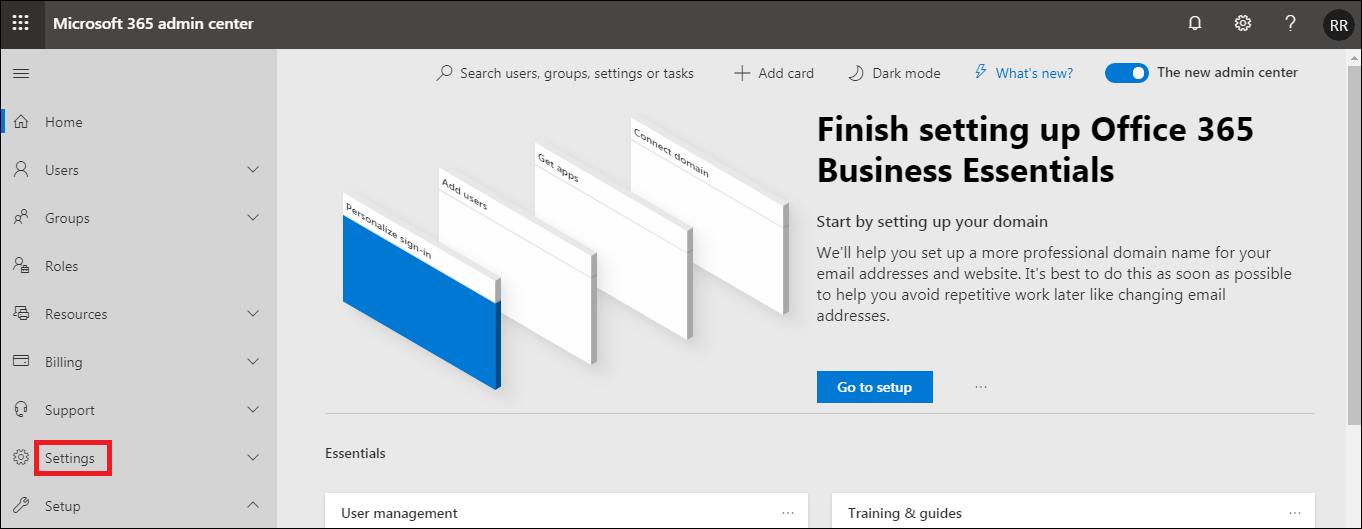
You can set the password policy for Never Expire in O365 Login Office365 Admin Web Console Expand Settings Go to Security & Privacy Do ON (Set user passwords to never expire) Click on Save Click again on Save Finally you find Never
How to configure O365 exchange email manually in outlook for windows pc?

Image
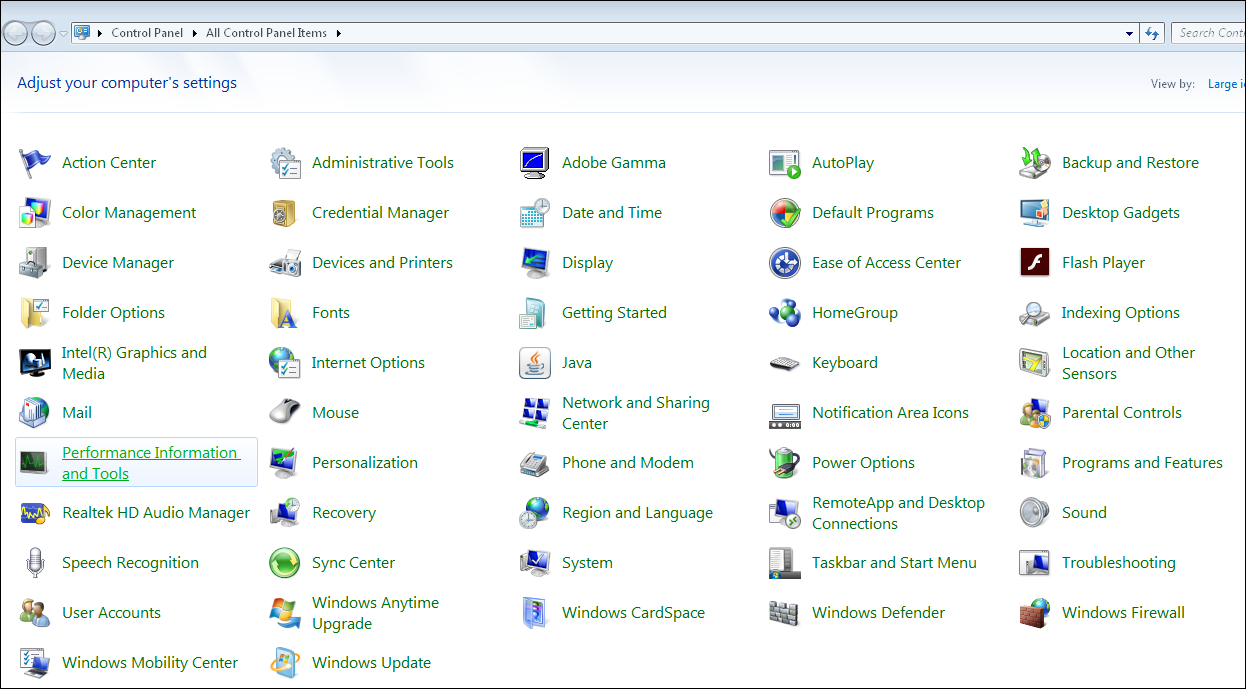
Office 365- Outlook Configuration Manually in Windows PC. Step-1 Open  Control Panel Step-2 Click on  Mail Step-3 Click on Email Accounts Step-4 Click on  New Step-5 Select  E-mail Account   Click on Next Step-6 Select M anual setup or additional server type Click on Next Step-7 Select Microsoft Exchange Server or compatible service Click on Next Step-8 Enter the following details in the field... Server: outlook.office365.com User Name: Login Name Click on Next Step-9 Click on  Security tab Uncheck Encrypt data between Microsoft Outlook and Microsoft Exchange Step-10 Select Anonymous Authentication Click on Apply Step-11 Click on  Connection tab Check Connect to Microsoft Exchange using HTTP Step-12 Click on  Exchange Proxy Settings Step-13 Enter outlook.office365.com Check Only connect to proxy servers that have this principal...

How to configure O365 exchange email automatic in outlook for windows pc?

Image
Office 365- Outlook Configuration in Windows PC. Step-1 Open Control Panel Step-2 Click on Mail Step-3 Click on Show Profile Step-4 Click on Add Step-5 Type Profile Name Step-6 Click on OK Step-7 Type Your Name          Email Address          Password Step-8 Click on Next Step-9 After Green Check Mark on all Three Lines Click on Next Step-10 Click on Finish

Setup O365 email using the iOS Mail App.

Image
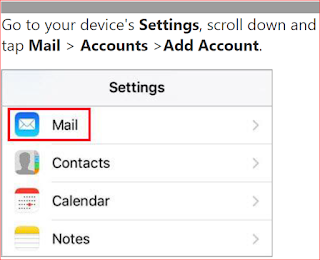
O365 Exchange online email configuration in Apple Phone. Choose your Account after going Settings Select Exchange Enter your email address and password. Tap Next If you are prompted to enter server settings, then enter the following settings. Tap Next  Email:- Full Email Address Server:- outlook.office365.com Username:- Full Email Address Password:- Email Password Then App may prompted a request regarding permission. To agree, tap Yes Tap Save Now you enjoy your setup.

How to add signature in outlook?

Image
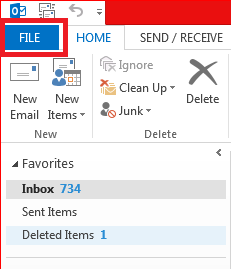
Signature adding in MS Outlook. Go to File and click on Options Go to Mail and click on Signature Click on New and type matter in signature box Then click on OK